

Best Touch Screen Laptops for Business and Education Projects
The best touch screen laptops for business and education projects are not simply the models with the highest specifications. A better choice is the laptop that matches the user’s daily workflow, touch input needs, screen size, stylus requirement, hinge design, system setup, branding plan, packaging details, and sample testing result.
In a real office, classroom, training center, or reseller project, users rarely do only one task. They may join a video meeting, open browser tabs, edit cloud documents, sign a PDF, check a spreadsheet, reply to email, use a CRM system, or present to a customer on the same device.
A touch screen can make those tasks easier when the workflow truly benefits from direct interaction. It becomes less useful when touch is added only as a marketing feature. For B2B buyers, the safer approach is to choose by user scenario first, then refine the specifications.
When Does a Touch Screen Laptop Make Sense?
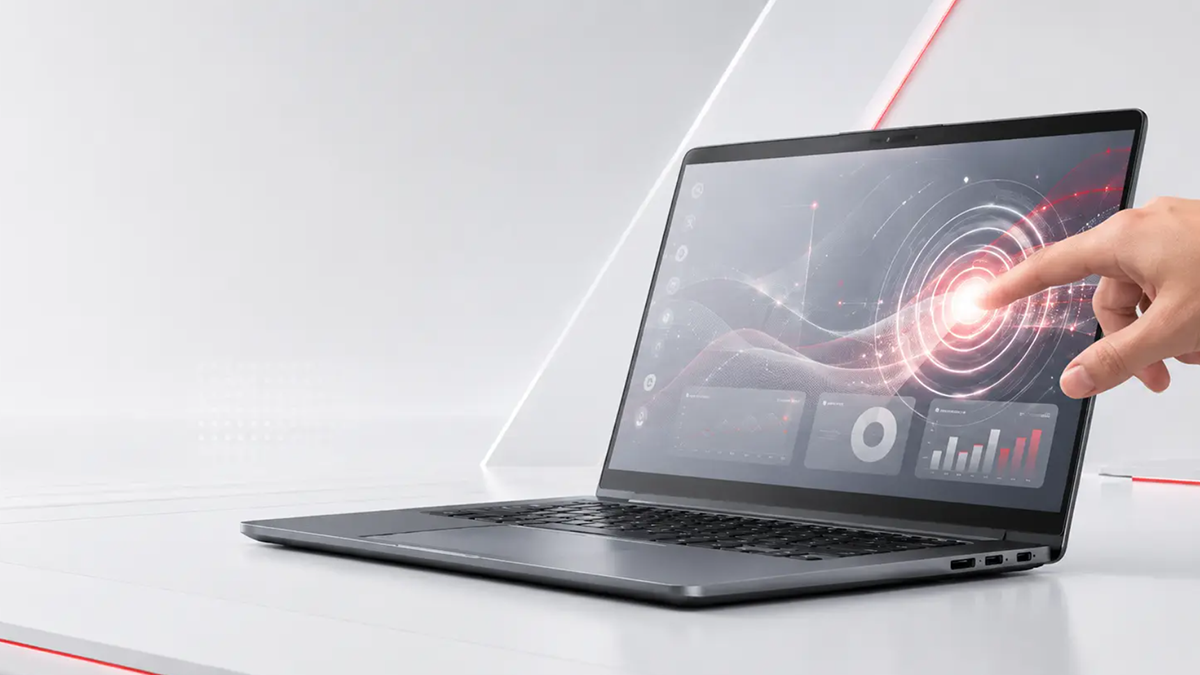
A touch screen laptop makes sense when users need to tap, scroll, zoom, present, annotate, sign documents, or interact directly with digital content. This can be useful in classrooms, training rooms, sales presentations, reception desks, healthcare tasks, inspection work, and small business environments.
Touch input is not the only factor. If users mainly work with spreadsheets, ERP systems, long documents, email, or back-office software, keyboard comfort, RAM, SSD capacity, screen comfort, Wi-Fi stability, webcam quality, and ports may matter just as much.
The right question is not whether touch looks modern. The better question is whether touch helps users finish their daily work with fewer steps.
What Makes a Touch Screen Laptop “Best” for B2B Projects?
For a business buyer, school project buyer, importer, distributor, or private label brand, “best” usually means balanced, repeatable, and easy to support. The laptop should be simple for users to understand, practical for the software they run, and stable enough for larger deployment.
A teacher may value classroom annotation. A sales team may care more about portability and presentation comfort. A distributor may need a model that local resellers can explain clearly. An enterprise or government project may focus on system setup, keyboard language, webcam clarity, ports, packaging, and support risk.
Strong specifications help, but they do not fix the wrong product direction. A good touch laptop starts with the target user, not only the quotation sheet.
Touchscreen Laptop With Stylus: What to Check
A touchscreen laptop with stylus can work well for education, training, digital signing, field notes, classroom annotation, and design review. Still, finger touch and stylus writing are not the same requirement.
A laptop may respond well to tapping, scrolling, and zooming but still deliver a weak handwriting experience. Stylus performance depends on the selected platform, touch panel, active pen protocol, palm rejection, writing accuracy, driver setup, screen glass, and software environment.
Before a larger order, the sample should be tested with real tasks. Users should write a short note, sign a PDF, annotate a slide, rest the palm on the screen, and check whether the pen feels accurate in the software they will actually use. The project team should also confirm whether the pen is included, how it charges, how it is stored, and whether replacement pens or separate packaging are needed.
For education and private label projects, the accessory plan can affect the user experience as much as the laptop itself. If every student, teacher, or field worker expects a pen in the box, that detail should be confirmed before sample approval.
Is a 14 Inch Touchscreen Laptop a Good Choice?
A 14 inch touchscreen laptop is often practical when mobility matters. It is easier to carry between classrooms, meeting rooms, sales visits, training spaces, and home-office environments.
This size can suit students, teachers, sales teams, mobile office staff, and small business owners who need a balance between portability and screen space. A typical user may join a video call, check a spreadsheet, open a browser, edit a document, and present a file without carrying a larger device.
For finance teams, back-office administration, dashboards, long spreadsheet sessions, or multi-window work, a 15.6 inch screen or external monitor plan may feel more comfortable. Buyers still comparing sizes can review this guide on choosing between a 14 inch and 15.6 inch laptop.
2-in-1 Laptop, Standard Touch Laptop, or White 2-in-1 Design?
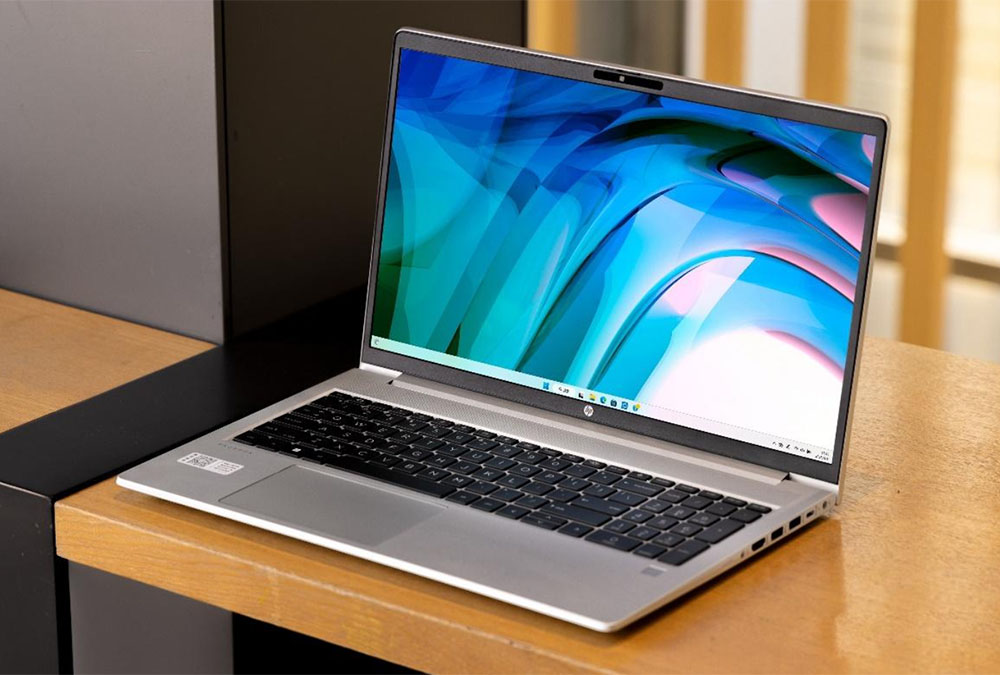
A standard touch screen laptop keeps the familiar notebook structure while adding touch input. Many office users, schools, and reseller channels can adopt it easily because the basic laptop experience does not change.
A 2-in-1 laptop offers more flexible use modes for classroom interaction, training, reading, presentations, and touch-first workflows. That flexibility also adds more points to check. Hinge structure, screen stability, keyboard protection, stylus support, ports, and durability testing become more important when users fold or rotate the device often.
A white 2-in-1 laptop can work for private label brands, education programs, lifestyle-focused resellers, or retail channels that want a cleaner visual identity. Even so, color should be treated as a platform availability and design discussion. Housing color, surface finish, logo position, keyboard language, accessory matching, and packaging all depend on the selected laptop platform.
For buyers comparing form factors, this guide to 2-in-1 and touch screen laptop designs can help clarify the difference before choosing a final direction.
Recommended Specification Starting Points
No single specification fits every touch screen laptop project. A school tender, reseller product line, training program, and enterprise deployment may all need different priorities. The table below gives a practical starting point.
| User Scenario | Practical Starting Point | Why It Matters |
|---|---|---|
| Basic office or school use | 8GB RAM, SSD storage, stable Wi-Fi, clear webcam | Suitable for documents, email, browser tabs, and basic online meetings |
| Multitasking office teams | 16GB RAM, larger SSD, suitable multi-core CPU platform | Helps users handle meetings, spreadsheets, browser tabs, and cloud tools together |
| Stylus-based education or signing | Active stylus support, palm rejection, pen packaging, software testing | Touchscreen alone does not guarantee a good writing experience |
| Mobile training or sales teams | 14 inch touch screen, lightweight design, tested battery and ports | Easier to carry between classrooms, meetings, customer visits, and shared spaces |
| Desk-based administration | 15.6 inch screen or external display plan | More comfortable for spreadsheets, dashboards, reports, and long work sessions |
| Private label touch laptop project | Logo, keyboard language, system setup, housing color, packaging, sample sign-off | Helps align the product with the target market before larger orders |
The final specification should match the real users, software workload, price range, service expectations, and approved laptop platform. A configuration that looks strong on paper may still be the wrong choice if it does not fit how people use the device.
Related Cases
MORE >-
![field.arcurl}]()
Laptop Supplier Audit Che
In the wave of digital audio revolution, “Walk Play” APP with its cutting-edge technology brings USB Type-C digital hea
-
![field.arcurl}]()
Best Touch Screen Laptops
Shenzhen Tengteng High-tech Electronic Technology Co., Ltd. - As a leader in the field of USB Type-C audio technology,
-
![field.arcurl}]()
Laptop Industry Update 20
The laptop industry in 2026 is being shaped by three major forces: the rise of AI PCs, continued pressure from memory and SSD
-
![field.arcurl}]()
Laptop Computer Ports Exp
Welcome to our brand-new office, which is not only a new stronghold for our team's collaboration and innovation bu
Get the latest price? We'll respond as soon as possible(within 12 hours)